>>> Lorikeet Security: When Your AI Audit Passes But Your Attack Surface Doesn't
// Your AI Security Audit Passed. Your Attack Surface Didn't.
Most engineering teams treat a clean AI code review as a finish line. Flowtriq treated it as a starting point — and the gap between those two postures is exactly what this case study is about.
Before engaging Lorikeet Security for a manual penetration test, Flowtriq ran a thorough AI-assisted secure code review of their entire workflow automation platform using Claude. They took the output seriously, fixed everything that came back, and only then brought in a manual testing team. The AI audit was not theatre — it identified and closed real vulnerabilities: reflected and stored XSS, SQL injection in legacy query construction, a server-side template injection vector, and weak hashing primitives in an older service. Genuine attack surface, genuinely removed.
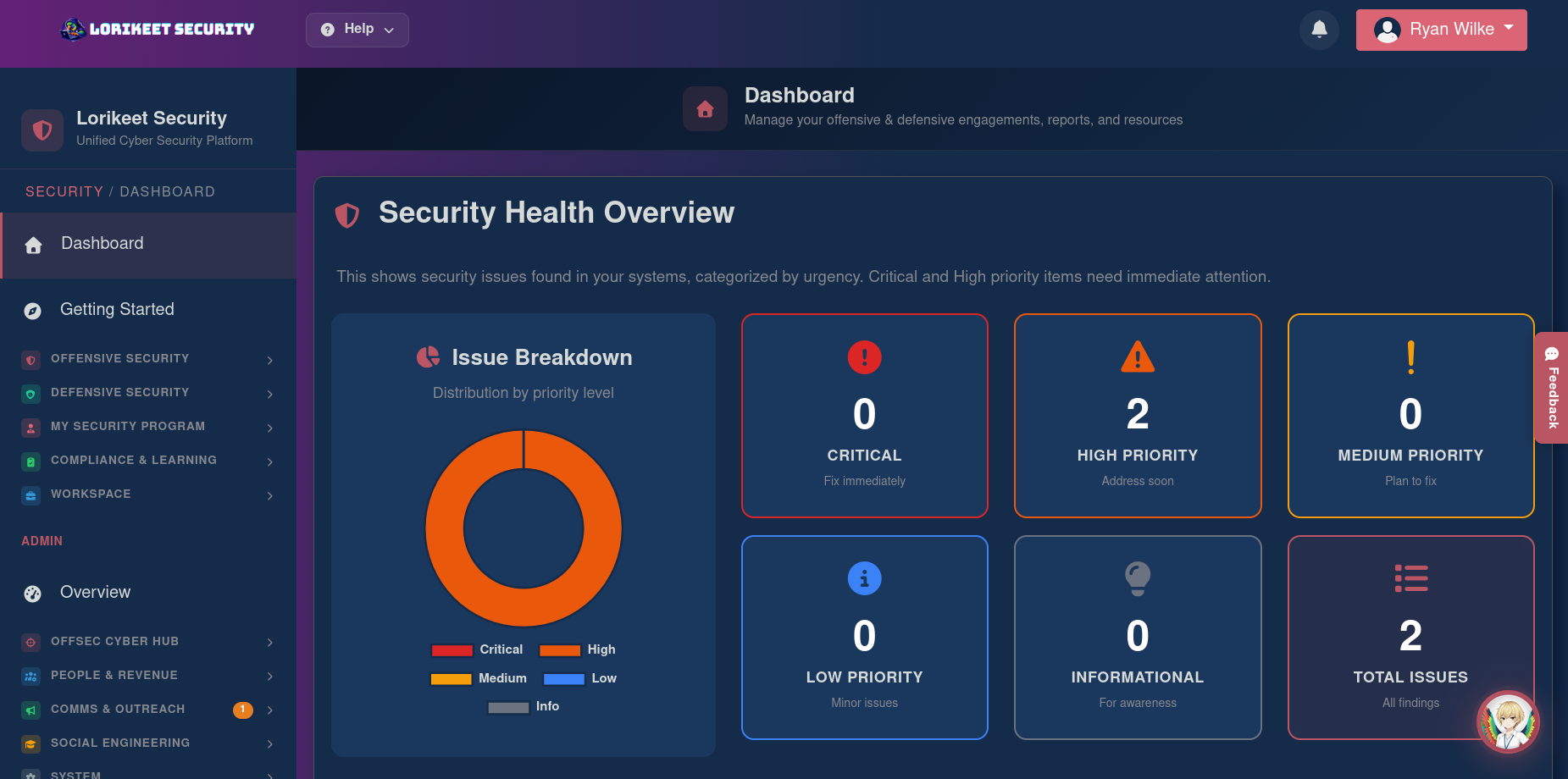
Lorikeet's manual pentest still found five additional findings — two High, one Medium, two Low — that the AI audit was structurally unable to see.
// What the AI Audit Couldn't See
None of the remaining five findings were code bugs in the traditional sense. They all lived in the running system — not the source tree.
Session Management (2 × High): The first was a sensitive endpoint with no enforced request rate limit. You can't see that from reading code — you see it by hitting the endpoint at speed and watching nothing happen. The second was anti-forgery token validation that looked correct in source but had edge cases where the runtime accepted requests it should have rejected. Surfacing that required replaying requests with missing, altered, and cross-session tokens and observing what the server actually did under each variation.
Transport Cryptography (Medium): The production listener still negotiated a deprecated TLS protocol version. This wasn't configured in the application — it was inherited from an Ansible role last touched eighteen months ago. An AI reading application source has no way to know this exists. A manual tester speaking TLS at the deployed listener finds it immediately.
Information Disclosure (Low): Two operational artifacts left in the public document root during an incident, never cleaned up, not committed to the repo. Not referenced from anywhere in the application. Just files, sitting where the web server would serve them to anyone who guessed the path.
Security Misconfiguration (Low): Several response paths were missing browser-side security headers — present on the main application, absent on a subdomain, inconsistent across a staging-adjacent edge case that was still routable. This came from reverse proxy configuration with conditional logic nobody had reviewed end-to-end in some time.
// Why This Pattern Matters
Pull back from the specifics. All five findings share one property: they are not properties of the source code. They are properties of the running system — the deployed infrastructure, the file layout on disk, the response headers from the reverse proxy, the behavior of validation logic under runtime conditions.
AI code review is bounded by source. Active penetration testing is bounded by what is reachable on the wire. The two surfaces overlap meaningfully, but neither contains the other.
Because Flowtriq had already closed the obvious code-level surface before Lorikeet arrived, the engagement hours that would have gone to documenting those issues went instead to active runtime testing — exactly where the residual risk lived. Both stages were necessary. Neither was sufficient alone.
// The Outcome
All five findings were triaged within 48 hours of the report. The two Highs were patched first — rate-limit gap closed with a token-bucket guard at the edge, anti-forgery validation tightened to reject every failure mode rather than log and continue. The deprecated TLS protocol was dropped from the production load balancer. Forgotten artifacts were removed and a deploy-time scanner added to catch the same pattern in future. Header gaps were closed at the reverse proxy with a centralized configuration applying uniformly across paths and subdomains.
Lorikeet re-tested two weeks later. Every finding closed. No regressions.
"We came in thinking our AI audit had probably caught most of what mattered, and the report made us realize it had caught most of what mattered in the source tree — the runtime and infrastructure were a whole second surface area we hadn't actually tested." — Jacob M., Founder, Flowtriq
// The Takeaway
AI code review is real defensive infrastructure. It catches what it is good at catching, at scale, faster than any human review could. The categories that remain — session management edge cases, runtime TLS posture, filesystem hygiene, reverse proxy configuration — continue to require active probing.
The most efficient security cycle for AI-native engineering teams in 2026: continuous AI-assisted code review during development, followed by periodic manual penetration testing against the deployed system. The AI pass acts as a force multiplier on the pentest — stripping out the source-level findings so human testers can spend their hours where humans are still uniquely effective.
Ready to invoke Lorikeet Security Case Study?
[ SUMMON ]→// end of scroll | 2026-03-23 09:13:51